LeadSpidey
Our product, ready to use
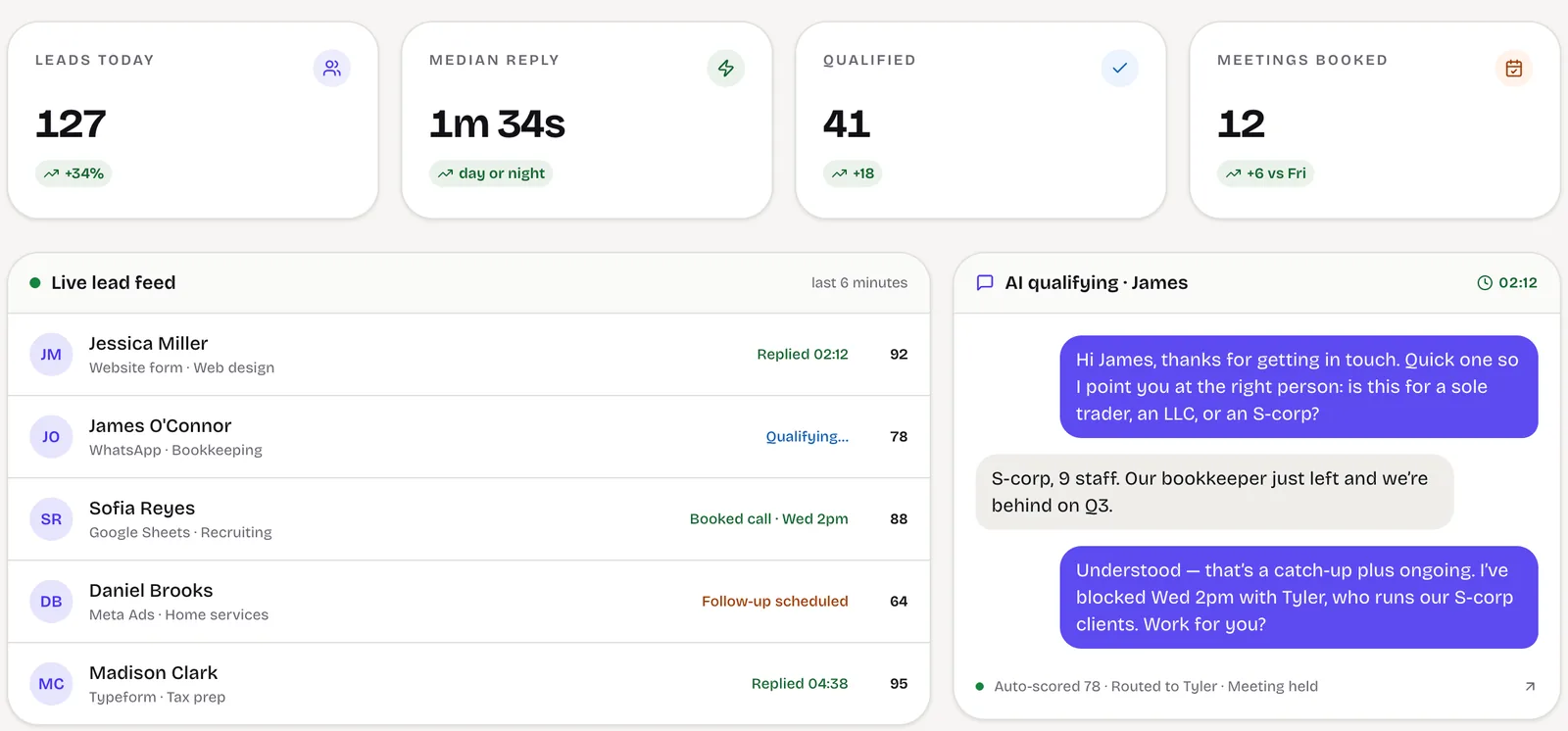
If you want Meta form leads answered and qualified on WhatsApp or email and booked onto a calendar, LeadSpidey reads Meta lead forms directly and does that today.
Visit LeadSpideyMeta ads to CRM automation
We connect Meta lead ads on Facebook and Instagram to your CRM so every lead arrives in seconds with its campaign, ad set and ad, is checked against people you already know, is assigned to an owner and gets a first reply while the ad is still on their screen.
Every paid lead worked the same day, and ad spend you can trace to signed revenue.
Built and run in-house
Takes leads from Meta lead forms, Sheets, CSV, webhooks and CRMs, merges duplicates and answers each one.
The business problem
Meta lead ads make it cheap to collect contact details, which is exactly why they need a good system behind them. Instant forms produce volume of mixed quality, and the value is decided by what happens in the first hour.
When leads are exported by hand or sit in a native integration nobody monitors, the first hour is lost. Worse, the outcome never makes it back to the ad account, so campaigns are judged on cost per lead and budget flows to the ads that produce the cheapest contacts rather than the best customers.
Joining Meta to your CRM properly fixes both ends: speed on the way in, and revenue data on the way back.
Leads delivered and answered in minutes, while the buyer still remembers filling in the form.
Moves: Lead-to-contact rate
Campaign, ad set and ad attached to every lead and its outcome, so spend moves to ads that produce revenue.
Moves: Cost per customer
Duplicates merged and poor-fit leads flagged before they reach a salesperson’s queue.
Moves: Sales time per qualified lead
What we build
Leads pulled from Meta the moment the form is submitted, for every page and form you run, without exports.
Campaign, ad set, ad and form stored on the lead record, alongside any UTM data from your website.
New leads matched against existing contacts, merged where they are the same person, and assigned by your rules.
An email, WhatsApp template or SMS sent straight away, plus a task and alert for the owner.
Qualified and won leads sent back as conversion events, so Meta can optimise towards better leads.
Leads, qualified leads, customers and revenue by campaign and ad, in one report.
How it works
A Facebook or Instagram user submits your instant form; the lead is received within seconds.
Matched against existing contacts, tagged with its campaign and screened against your qualifying answers.
Assigned to the right person, who is alerted, while the lead receives a first message straight away.
As the lead qualifies or buys, the result flows to your reports and back to Meta.
Lead intake and routing
Built for one business, owned by it
Product or custom build
We would rather point you to the right answer than quote for work you don’t need.
Our product, ready to use
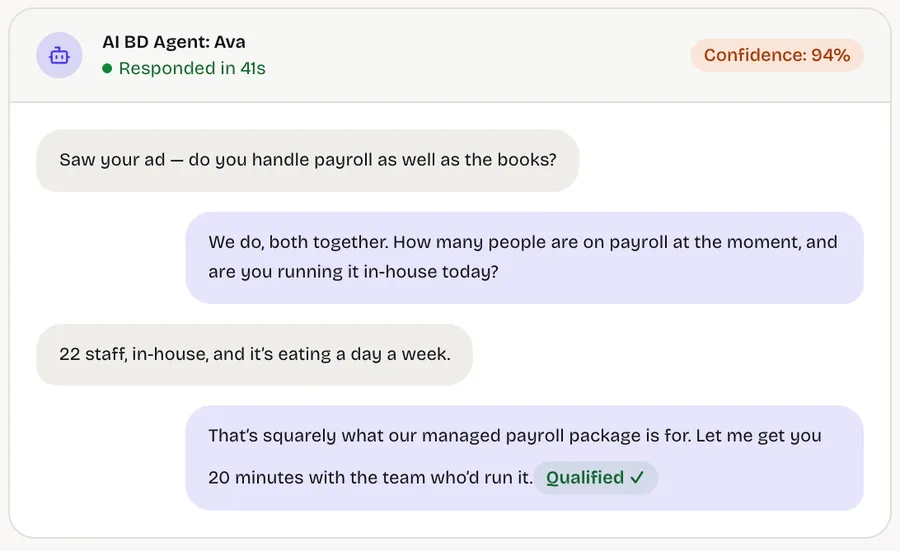
If you want Meta form leads answered and qualified on WhatsApp or email and booked onto a calendar, LeadSpidey reads Meta lead forms directly and does that today.
Visit LeadSpideyCustom workflows, integrations and dashboards
We build custom when leads must land in your own CRM with your routing, multiple brands or pages, conversion events sent back to Meta, or reporting that joins ads to revenue.
Connect your Meta leadsBuild, buy or connect
Each has its place; the right one depends on volume, routing and what you need to measure.
Best when: your CRM has one and leads need no routing
Quick to switch on. Usually limited to field mapping, with little deduplication, routing or reporting.
Best when: volume is low and one simple path is enough
Flexible and cheap to start, but runs per task, can lag, and is hard to monitor as rules grow.
Best when: leads drive revenue and need routing and attribution
Real-time delivery, deduplication, routing, a first reply, outcomes sent back to Meta and a log for every lead.
Who it is for
Founders and operations leads at agencies and consultancies running many clients at once.
Measured on: Margin per client, utilisation and retention
What changes: More billable hours per head and clients who can see the work without asking for it.
Founders of B2B service businesses whose sales and delivery have outgrown the founder’s inbox.
Measured on: Pipeline, win rate and revenue per employee
What changes: A pipeline that answers, qualifies and follows up on its own, and a business that can grow without adding headcount at the same rate.
Heads of operations, sales or marketing inside mid-size companies, with a mandate and no spare engineering team.
Measured on: Cost to serve, cycle time and cost per acquisition
What changes: The system your team needs, delivered alongside IT rather than queued behind it, with security and ownership handled properly.
Project process
Phases, not promises. Each step is decided on what the previous one showed.
Week 1
List the pages and forms, map each field to the CRM and agree the routing rules.
Weeks 2–3
Leads flowing into the CRM with attribution, deduplication and alerts, reconciled against Meta.
Weeks 4–6
First-reply messages, outcome events back to Meta and campaign-to-revenue reporting.
Ongoing
Campaigns judged on customers and revenue, with forms and questions refined from the data.
Works with
Cost and engagement
Every engagement starts with a short, fixed scoping sprint that ends in a written scope, so you know what the first build takes before you commit to it.
A short, fixed piece of work to map one workflow and decide what is worth building.
The first workflow designed, built and released, then extended in small, scoped steps.
An ongoing engagement to keep the system running, measured and getting better.
Questions
Start a project
Tell us which pages and forms you run, roughly how many leads arrive, and which CRM you use. A partner replies within one business day.
A short scoping sprint, a written scope, and a plain answer on whether building is worth it.
Or write to us at [email protected]