Services · Custom CRM
Custom CRM development services, built around the way you sell.
If your CRM is half filled in, your forecast is a guess and follow-up depends on who remembers, we build a custom CRM around the way you actually sell: your stages, your follow-up rules and your reports, in one place your team will keep up to date.
Follow-ups that happen, a pipeline you can forecast from, and one record per client.
Part of Internal SaaS & custom CRM
You’ll recognise this
- The CRM has fields nobody fills in and stages that don’t match how deals really move.
- Follow-ups live in people’s calendars and memories, so warm deals go quiet.
- Sales and delivery keep separate records of the same client.
- Every report starts with an export to a spreadsheet.
01 What it’s costing you
The expensive part is the part nobody invoices.
The cost of a CRM that doesn’t fit is rarely the licence. It is the deals that go quiet because nobody was reminded, the forecast nobody trusts, and the hours spent reconciling sales records with delivery records every month. For example, a proposal sent on a Tuesday with no follow-up task attached is easy to forget by the following Tuesday.
-
Lever 01
Fewer deals lost to silence
Rules that create the next action automatically, so no proposal or warm lead is left without one.Moves: Win rate on qualified opportunities -
Lever 02
A forecast you can act on
Stages with clear exit criteria and data the team actually enters, because entering it is part of doing the work.Moves: Forecast accuracy -
Lever 03
Revenue from existing clients
Renewal dates, project history and account owners on one record, so expansion is planned rather than accidental.Moves: Renewals and repeat work
02 Built for
Who brings us this work.
The people who usually start these engagements, what they are measured on, and the question they arrive with.
-
Agency & consultancy owners
You run an agency or consultancy with many clients at once, and your margin disappears into reporting, onboarding and status updates.
You watch: Margin per client, team hours and client retention
- Your account managers spend the first week of every month building client reports by hand.
- Every new client means a dozen emails chasing logins, files and approvals before work starts.
- New business still depends on referrals, because nobody has time to prospect.
What changes: Reports and onboarding that run on their own, more clients per account manager, and new business that doesn’t wait for referrals.
“We have bought tools before, and the team went back to spreadsheets.”
We build around how your team already works, start with the one job that costs most, and release it early, so people use it because it saves them time.
-
Owners of local & consumer service businesses
You run a travel agency, clinic, real estate brokerage, training business or similar, where customers arrive on WhatsApp, calls and ads, often out of hours.
You watch: Enquiries answered, bookings and repeat customers
- Most messages arrive in the evening or at weekends, when nobody is there to reply.
- Quotes and bookings are followed up when someone remembers, so customers drift to competitors.
- The same customer questions take up your front desk’s whole day.
What changes: Every enquiry answered in minutes, quotes followed up until customers decide, and a team that spends its day on the customers in front of it.
“Will AI say the wrong thing to my customers?”
It only answers from information you approve, hands anything sensitive to a person, and every conversation can be reviewed. You decide how much it may do on its own.
03 Before and after
The same week, run two ways.
Today
- Pipeline in a spreadsheet and three inboxes
- Follow-up depends on memory
- Sales and delivery records disagree
- Reports built by export every Monday
With the system in place
- One pipeline with your real stages
- The CRM creates the next action
- One client record across the business
- Reports that update themselves
04 In your business
What this looks like on an ordinary week.
Three situations owners tell us about, and what changes once this is in place.
-
Scenario 01
A pipeline nobody believes
Say your CRM shows 60 open deals, but half went cold months ago, because updating it is a chore the team skips. Your forecast is a guess, and so is hiring.
With it in place: The CRM updates itself from emails, calls and meetings where it can, and asks for only what it can’t know, so the pipeline is real.
-
Scenario 02
Follow-up that depends on memory
Say a prospect asked you to call back in March. It is in someone’s notebook. March comes, that person has left, and the deal goes to a competitor.
With it in place: Every promised follow-up is a task with an owner and a date in the CRM, and it moves to someone else if the owner leaves.
-
Scenario 03
A sales process the CRM can’t model
Say you sell retainers and one-off projects, each with different stages and approvals. Your off-the-shelf CRM forces both into one pipeline, so the reports mean nothing.
With it in place: Your CRM has your own stages for each kind of deal, and reports show what is really happening in each.
05 What we build
Custom CRM, designed around your work.
A CRM built around how you sell: your stages, your follow-up rules, your records, migrated from the spreadsheets and tools you use today.
Your pipeline, your stages
Deal stages, required fields and exit criteria that mirror how your team qualifies, proposes and closes.Follow-up rules
Tasks and reminders created by the CRM when a deal stalls, a proposal goes unanswered or a renewal approaches.One record per client
Contacts, companies, deals, projects and documents linked, so sales and delivery see the same history.Permissions by team and region
Who can see and edit which accounts, deals and fields, with a change history on what matters.Integrations
Email, calendar, WhatsApp, forms, ads and accounting connected, so activity is logged without anyone typing it.Migration
Records moved over from spreadsheets and your current CRM, cleaned and de-duplicated, with old and new running side by side.
- Website & ad forms
- Email & WhatsApp
- Calendar
- Accounting
Your custom CRM
Built for one business, owned by it
- Pipeline & forecast
- Follow-up tasks
- Client history
- Sales reporting
06 Working thesis
A CRM fails when it is a second job.
Most CRMs are abandoned not because they lack features, but because updating them is extra work that helps the manager more than the salesperson. The data decays, the forecast stops meaning anything, and the team drifts back to spreadsheets.
We design the CRM so that the easiest way to do the work is inside it: replies, proposals and follow-ups happen from the record, and the record fills itself in as a result.
07 How it runs
Working software early. Then the next step.
Phases, not promises: every engagement starts with a scoping sprint, and each step is decided on evidence.
-
01
Weeks 1–2
Map how you sell
Walk through real deals with the team, define stages, fields and follow-up rules, and plan the migration.
-
02
Weeks 3–8
Pipeline live, data migrated
The core CRM in use with your records moved over, running beside the old system until the team switches.
-
03
Ongoing
Automate and connect
Integrations, follow-up automation and reporting added in small releases, each measured in use.
Works with the tools you keep
- Gmail
- Outlook
- Google Calendar
- WhatsApp Business
- Meta lead ads
- Typeform
- Stripe
- Xero
- QuickBooks
- Slack
- Google Sheets
- Any REST API
08 Built in-house
We build this for ourselves first.
Scribbify runs software products of its own. Each one is the same kind of work, tested on our own business before yours.
-

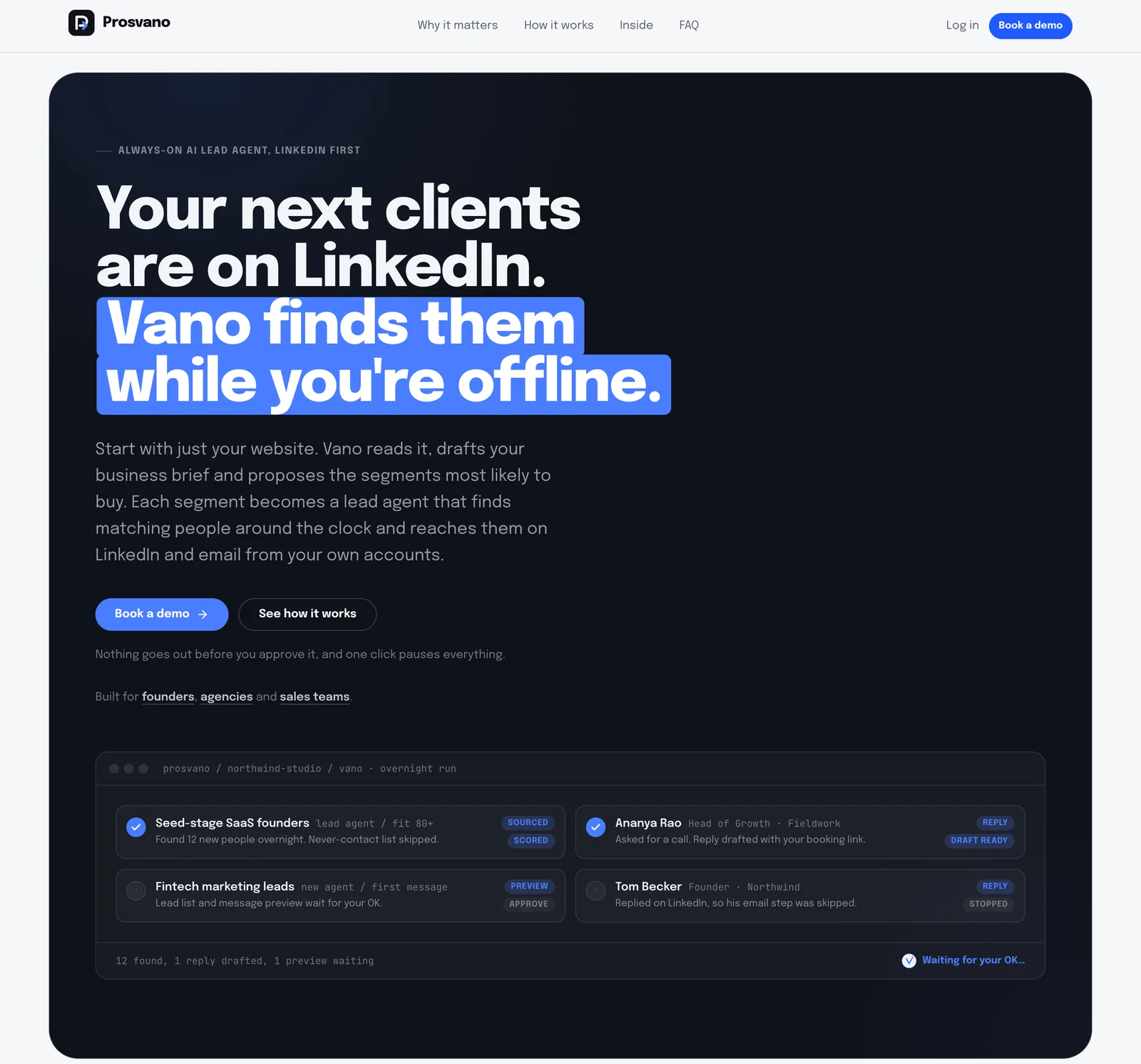
Prosvano · LinkedIn automation
Pipeline board, list and workflow views, one inbox across many accounts and reply rates per segment: the core of a CRM, running daily.
About Prosvano -

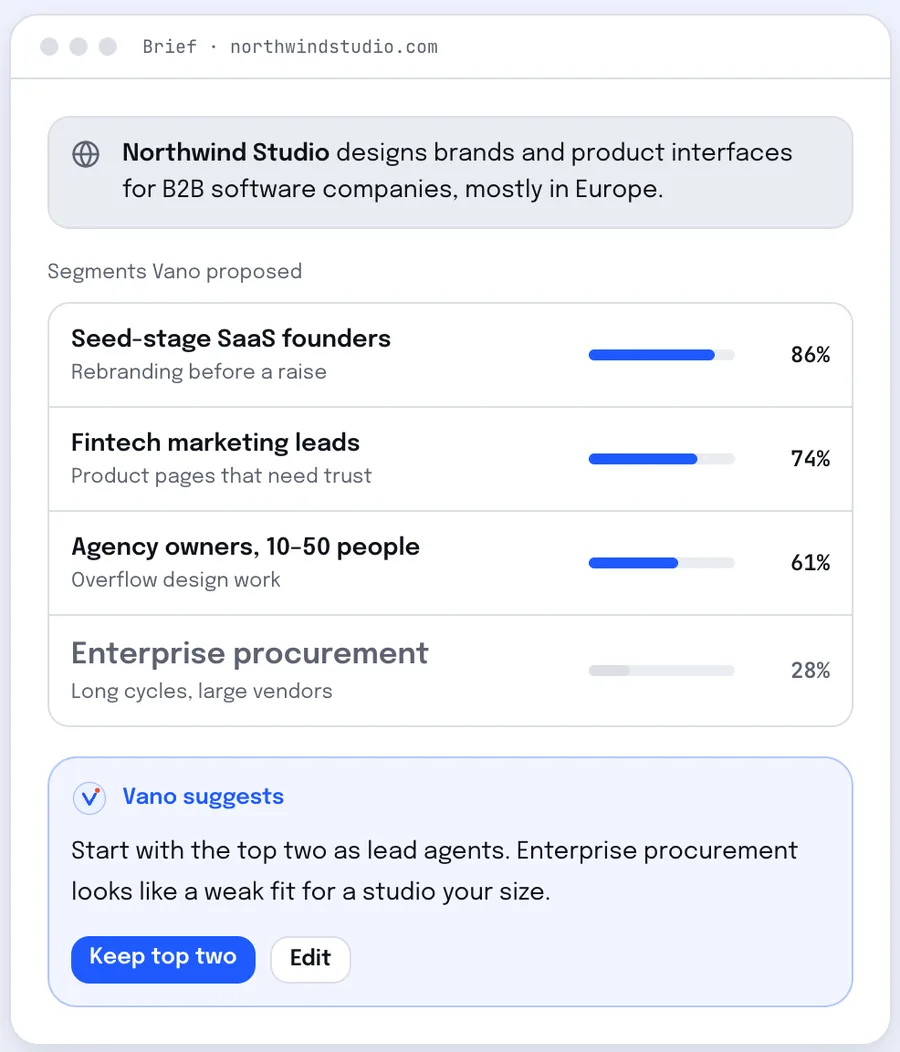
LeadSpidey · AI SDR for inbound leads
Leads from forms, sheets and webhooks merged into one record per person, scored and routed to an owner.
About LeadSpidey
09 Build, buy or configure
An honest comparison.
Sometimes software you can buy is the right answer, and we will say so. This is how we weigh it.
| What matters | Off-the-shelf SaaS | Low-code builder | Scribbify build |
|---|---|---|---|
| Fits how your team actually works | Partly: You adapt to its fields | Partly: Until the rules get complex | Yes: Built around how you work |
| You own the code and the data | No: Rented | Partly: Locked to the platform | Yes: Yours, documented |
| Joins every tool you already use | Partly: Where integrations exist | Partly: Simple connections | Yes: Any API or export |
| Cost stays flat as you hire | No: Priced per seat | No: Priced per seat | Yes: No per-seat licence |
| AI agents with approvals built in | Partly: Generic assistants | Partly: Add-ons | Yes: Built for your rules |
| Someone accountable for the outcome | No: A support ticket | No: Your own team | Yes: Measured with you |
10 Questions
Before you write.
More services
Should we build a custom CRM or configure HubSpot, Salesforce or Zoho?
What does a custom CRM project involve?
Can you migrate our existing data?
Will it work with our email and calendar?
Can the CRM send WhatsApp messages?
Who owns the CRM once it is built?
How long does it take to build a custom CRM?
What drives the cost of a custom CRM?
Start a project
Talk to us about custom CRM.
Tell us where the work or the revenue gets stuck: the job, the tools it runs on and what it costs you. We will tell you plainly whether building is worth it.
- A partner reads every enquiry
- A 45-minute working call
- A written scope you can decide on
Or write to us at [email protected]
All services