Services · Internal tools
Internal tools for the work your team still does by hand.
Admin panels, operations dashboards, approval flows and back-office apps, designed around how your team actually works and connected to the tools it already uses.
Hours returned to billable, revenue-producing work.
You’ll recognise this
- The business runs on a spreadsheet only two people understand.
- Approvals happen in chat threads, and nobody can say where a request stands.
- Reporting means someone copying numbers between tools every Friday.
- The same customer exists in four tools, spelled four ways.
What it’s costing you
The expensive part is the part nobody invoices.
Manual work rarely shows up as a line item. It shows up as senior people doing admin, invoices sent late and clients waiting for answers. Multiply those hours by what the same people could bill, and the spreadsheet becomes your most expensive tool.
-
Lever 01
Billable capacity
Every hour not spent copying, chasing or reconciling is an hour your team can sell, without adding headcount.
Moves: Utilisation and revenue per head
-
Lever 02
Faster cash
Approvals, sign-offs and invoicing that move the same day, so revenue arrives sooner and nothing is forgotten at month end.
Moves: Days from work done to invoice paid
-
Lever 03
Fewer costly errors
One source of truth instead of four copies means fewer wrong quotes, missed renewals and credits issued to clients who were let down.
Moves: Rework, credits and write-offs
Built for
Who brings us this work.
The people who usually start these engagements, what they are measured on, and the question they arrive with.
-
Founder-led B2B service firms
Founders of B2B service businesses whose sales and delivery have outgrown the founder’s inbox.
Measured on: Pipeline, win rate and revenue per employee
- Leads arrive faster than anyone can answer them, and the best ones go cold over a weekend.
- The CRM is half-filled, so forecasting is a guess and follow-up depends on memory.
- Growth means hiring, because every process still needs a person in the middle of it.
What changes: A pipeline that answers, qualifies and follows up on its own, and a business that can grow without adding headcount at the same rate.
“We are not a tech company. Custom software sounds like a large, risky project.”
Engagements start with a short scoping sprint and a fixed scope for the first build. You see working software early and decide each next step on evidence.
-
Ops, sales & growth leaders
Heads of operations, sales or marketing inside mid-size companies, with a mandate and no spare engineering team.
Measured on: Cost to serve, cycle time and cost per acquisition
- IT has a long queue, and your team’s workflow is not at the top of it.
- You are paying for overlapping SaaS that still does not match how your team works.
- Leadership wants AI in the business, with no clear view of where it is safe and useful.
What changes: The system your team needs, delivered alongside IT rather than queued behind it, with security and ownership handled properly.
“Will it pass our security review, and who supports it afterwards?”
We build in accounts you control, document everything, work to your security requirements and either run it with you or hand it to your team.
Before and after
The same week, run two ways.
Today
- Requests arrive by email, chat and phone
- Status lives in one person’s head
- Month-end reporting takes days of copying
- Mistakes are found by clients
With the system in place
- Every request in one queue, with an owner
- Status visible to anyone who needs it
- Reports generated from live data
- Rules checked before work leaves the building
What we build
Internal tools, designed around your work.
Admin panels, operations dashboards and approval flows that replace the spreadsheets and inboxes your team runs the business from.
-
Admin panels
Search, edit and act on your records with roles and permissions, instead of editing rows in a shared sheet.
-
Operations dashboards
The numbers a team runs on, pulled from the source each time, with the record behind every figure one click away.
-
Approval and review flows
Requests, reviews and sign-offs with an owner, a status and a history, so nothing waits in someone’s inbox.
-
Back-office apps
Bookings, job sheets, stock, onboarding: the forms and queues your work moves through, built for the way you do it.
-
Integrations
Your CRM, accounts, calendar and messaging joined up, so data is entered once and shows up everywhere it is needed.
-
Reports and exports
Scheduled reports and clean exports for clients, partners and accountants, without a weekly copy-and-paste.
- Forms & email
- Spreadsheets
- CRM
- Accounting
Your internal tool
Built for one business, owned by it
- Dashboards
- Approvals
- Client reports
- Invoices
Working thesis
When to build, and when to buy.
Low-code builders are good at screens over a database. They get expensive when the tool has to hold your rules: who may approve what, which record wins when two systems disagree, what happens when a step is skipped.
Our test is simple. If the work is standard, buy software and configure it. If the work is how your business competes, build a tool that encodes it, and own it.
Built in-house
We build this for ourselves first.
Scribbify runs software products of its own. Each one is the same kind of work, tested on our own business before yours.
-

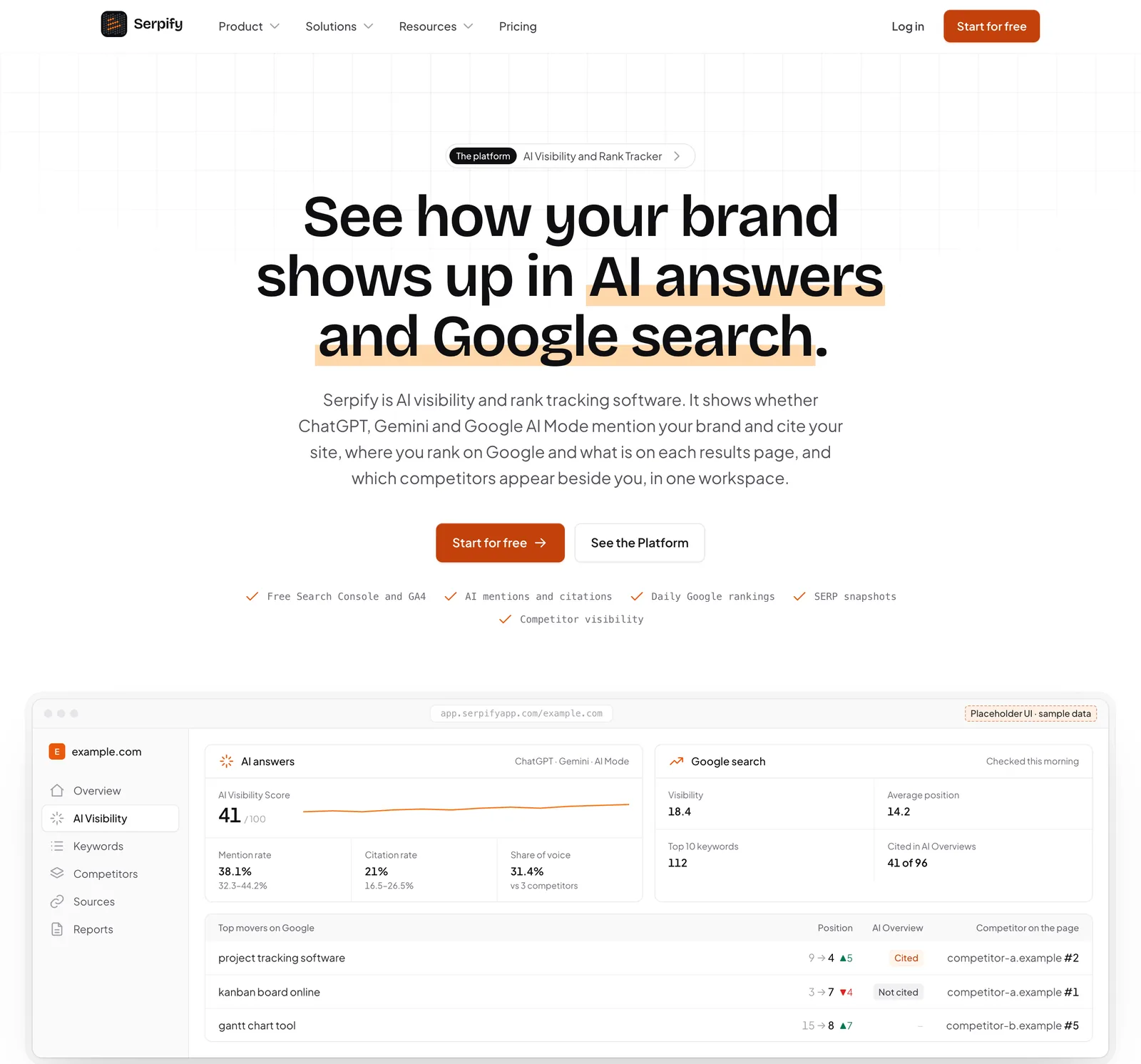
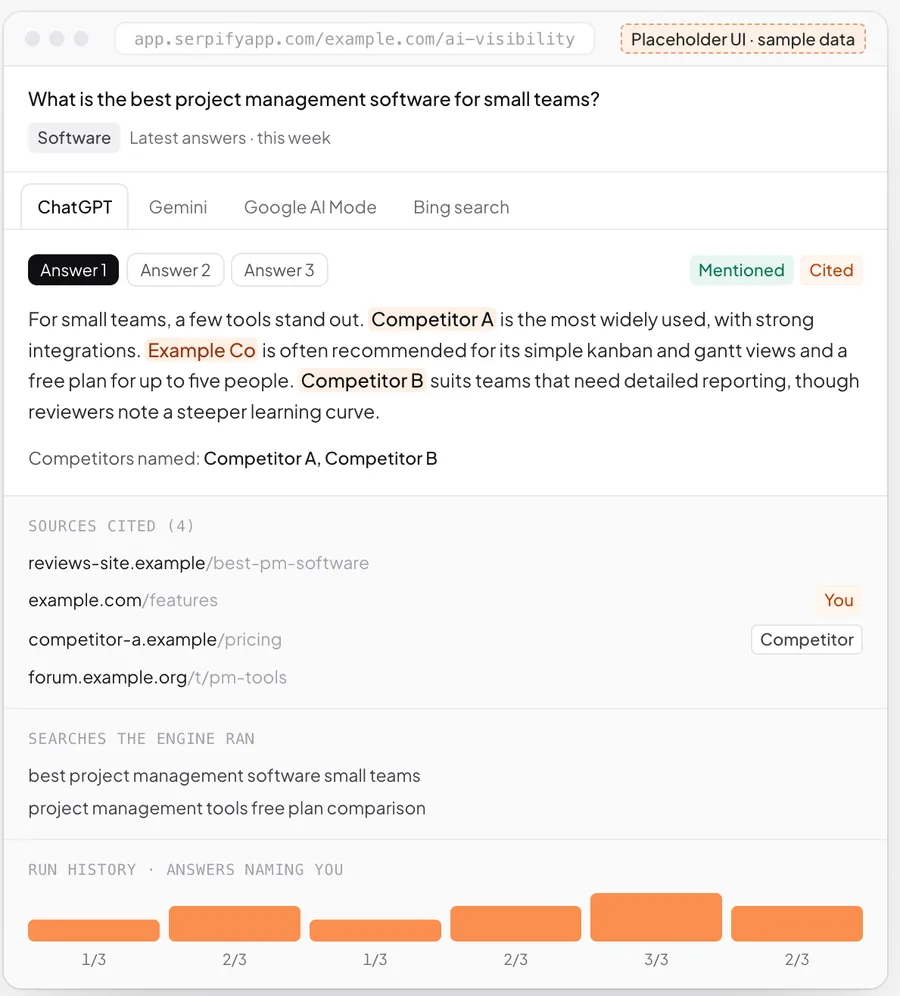
Serpify · AI visibility and rank tracking
A data-heavy workspace: dashboards, daily checks, reports and alerts over many sources. The same craft as an operations dashboard.
About Serpify -

LeadSpidey · AI SDR for inbound leads
A live lead feed, scoring and routing to the right person: an internal tool your sales team works from all day.
About LeadSpidey
How it runs
Working software early. Then the next step.
Phases, not promises: every engagement starts with a scoping sprint, and each step is decided on evidence.
-
01
Weeks 1–2
Scoping sprint
Map the workflow with the people who run it, agree the measures and fix the scope of the first build.
-
02
Weeks 3–8
First workflow live
Design, build and release the first workflow to your team, with weekly working releases.
-
03
Ongoing
Extend and improve
Add the next workflow to the same system, judged against what the first one changed.
Works with the tools you keep
- Google Sheets
- Google Workspace
- Microsoft 365
- Slack
- WhatsApp Business
- HubSpot
- Zoho
- Stripe
- Razorpay
- Tally
- PostgreSQL
- Any REST API
Build, buy or configure
An honest comparison.
Sometimes software you can buy is the right answer, and we will say so. This is how we weigh it.
| What matters | Off-the-shelf SaaS | Low-code builder | Scribbify build |
|---|---|---|---|
| Fits how your team actually works | Partly: You adapt to its fields | Partly: Until the rules get complex | Yes: Designed around your workflow |
| You own the code and the data | No: Rented | Partly: Locked to the platform | Yes: Yours, documented |
| Joins every tool you already use | Partly: Where integrations exist | Partly: Simple connections | Yes: Any API or export |
| Cost stays flat as you hire | No: Priced per seat | No: Priced per seat | Yes: No per-seat licence |
| AI agents with approvals built in | Partly: Generic assistants | Partly: Add-ons | Yes: Built for your rules |
| Someone accountable for the outcome | No: A support ticket | No: Your own team | Yes: Measured with you |
Questions
Before you write.
What is an internal tool?
Why not use Retool or another low-code builder?
What does a build cost?
How long until my team can use it?
Who owns the code and the data?
Can it connect to the software we already use?
Start a project
Talk to us about internal tools.
Tell us where the work or the revenue gets stuck. A partner replies within one business day.
Other services
Start a project
Start with one workflow.
A few lines are enough. A partner reads every enquiry and replies within one business day.
Tell us where the work gets stuck.
Send a few lines on the workflow, the tools it runs on and what it costs you. We will tell you plainly whether building is worth it.
Or write to us at [email protected]