Services · Client portals
Custom client portal development, so clients stop having to ask.
We build client portals for service businesses: onboarding checklists, document exchange, approvals, project progress and billing, behind a login, connected to the systems your team already works in.
Faster onboarding, fewer status emails and clients who stay because working with you is easy.
Part of Internal SaaS & custom CRM
You’ll recognise this
- Clients email to ask where things stand, and someone stops work to find out.
- Documents arrive as attachments across five threads, and the latest version is a guess.
- Onboarding a new client takes weeks of back-and-forth for the same information.
- Approvals stall because the request is buried in an inbox.
What it’s costing you
The expensive part is the part nobody invoices.
Every “where are we with this?” email costs twice: the client’s patience and your team’s focus. Multiply it by every client and every week, and the absence of a portal is one of the most expensive gaps in a service business.
-
Lever 01
Faster time to revenue
Self-serve onboarding gathers forms, documents and signatures without weeks of email, so billable work starts sooner.
Moves: Days from signed to started
-
Lever 02
Higher retention
Clients who can see progress and find everything in one place have fewer reasons to look elsewhere.
Moves: Client churn and renewal rate
-
Lever 03
Capacity per account manager
Status updates, document chasing and approval reminders handled by the portal, not by people.
Moves: Clients handled per head
Built for
Who brings us this work.
The people who usually start these engagements, what they are measured on, and the question they arrive with.
-
Agencies & consultancies
Founders and operations leads at agencies and consultancies running many clients at once.
Measured on: Margin per client, utilisation and retention
- Every client lives in a different mix of tools, and account managers spend hours on status updates.
- Reporting is assembled by hand each month, so senior people do junior work.
- New business depends on referrals, because nobody has time to run outbound properly.
What changes: More billable hours per head and clients who can see the work without asking for it.
“We have tried tools before and the team went back to spreadsheets.”
We build around how your team already works, start with one workflow and release it early, so adoption is earned before anything else is built.
-
Ops, sales & growth leaders
Heads of operations, sales or marketing inside mid-size companies, with a mandate and no spare engineering team.
Measured on: Cost to serve, cycle time and cost per acquisition
- IT has a long queue, and your team’s workflow is not at the top of it.
- You are paying for overlapping SaaS that still does not match how your team works.
- Leadership wants AI in the business, with no clear view of where it is safe and useful.
What changes: The system your team needs, delivered alongside IT rather than queued behind it, with security and ownership handled properly.
“Will it pass our security review, and who supports it afterwards?”
We build in accounts you control, document everything, work to your security requirements and either run it with you or hand it to your team.
Before and after
The same week, run two ways.
Today
- Onboarding by email and attachments
- Clients chase for status
- Approvals lost in inboxes
- Invoices emailed and re-sent
With the system in place
- A guided onboarding checklist
- Progress visible in the portal
- Approvals recorded with a timestamp
- Invoices and payments in one place
What we build
Client portals, designed around your work.
A secure place your clients log into for onboarding, documents, approvals, progress and invoices, instead of chasing your team by email.
-
Guided onboarding
A checklist clients complete themselves: forms, documents and signatures, with reminders until it is done.
-
Secure document exchange
Uploads and downloads with versions, so both sides always work from the latest file.
-
Approvals and sign-off
Deliverables, quotes and changes approved in the portal, with who approved what and when on record.
-
Progress and status
Milestones and status drawn from your delivery system, so clients see progress without a status email.
-
Invoices and payments
Invoices, statements and payment links from your accounting system, in the client’s own view.
-
Roles for client teams
Different access for a client’s owner, finance contact and team, managed by them where it makes sense.
- Your CRM
- Delivery & project tools
- Document storage
- Accounting
Your client portal
Built for one business, owned by it
- Onboarding checklists
- Shared documents
- Approvals on record
- Invoices & payments
Working thesis
Service is what clients see between deliverables.
Clients judge a service business as much by the experience around the work as by the work itself: how easy it was to start, how often they had to chase, how clear the next step was.
A portal turns that experience into a system. Every client gets the same clear onboarding and the same visibility, whichever account manager they have and however busy the week is.
Built in-house
We build this for ourselves first.
Scribbify runs software products of its own. Each one is the same kind of work, tested on our own business before yours.
-

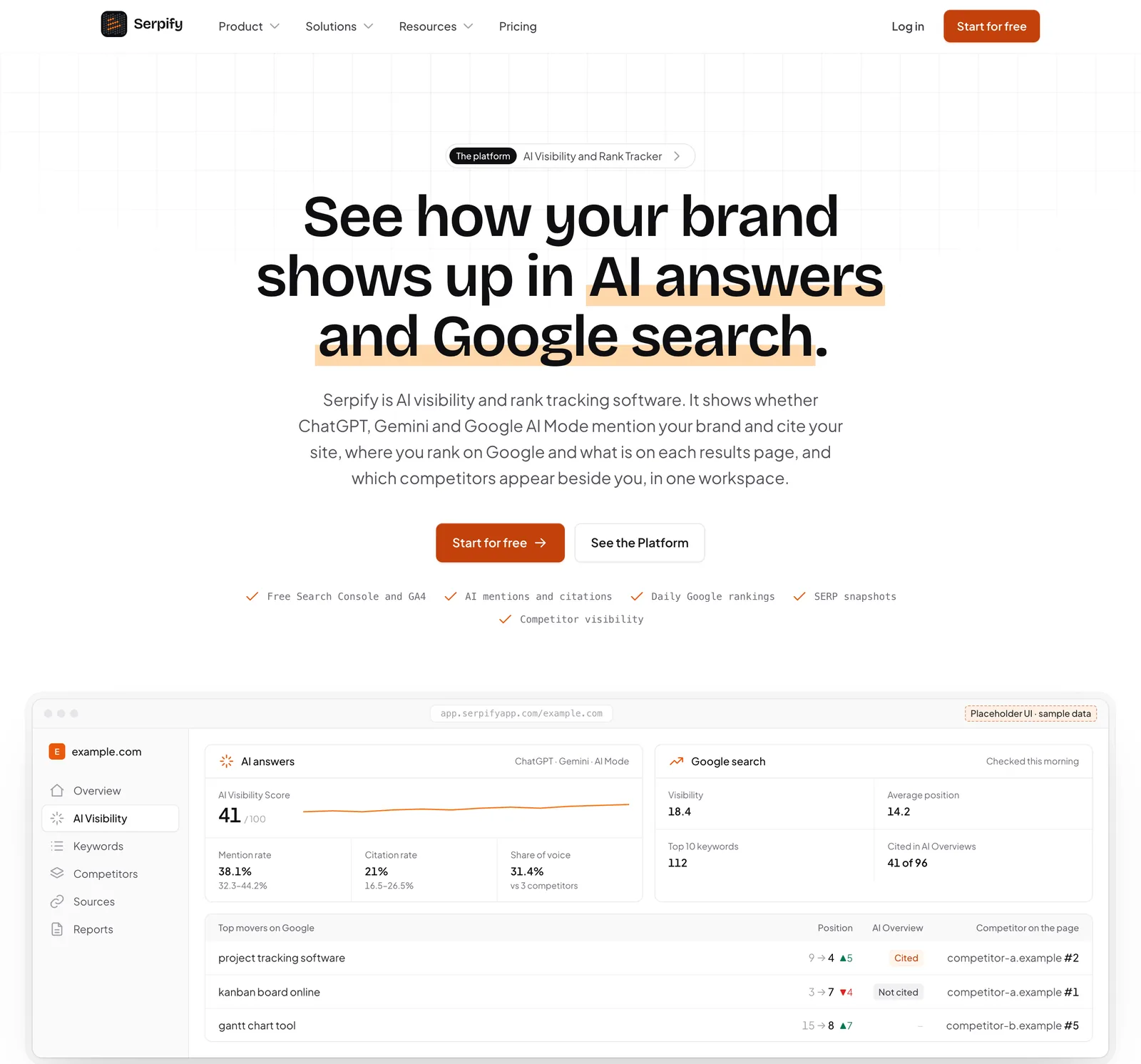
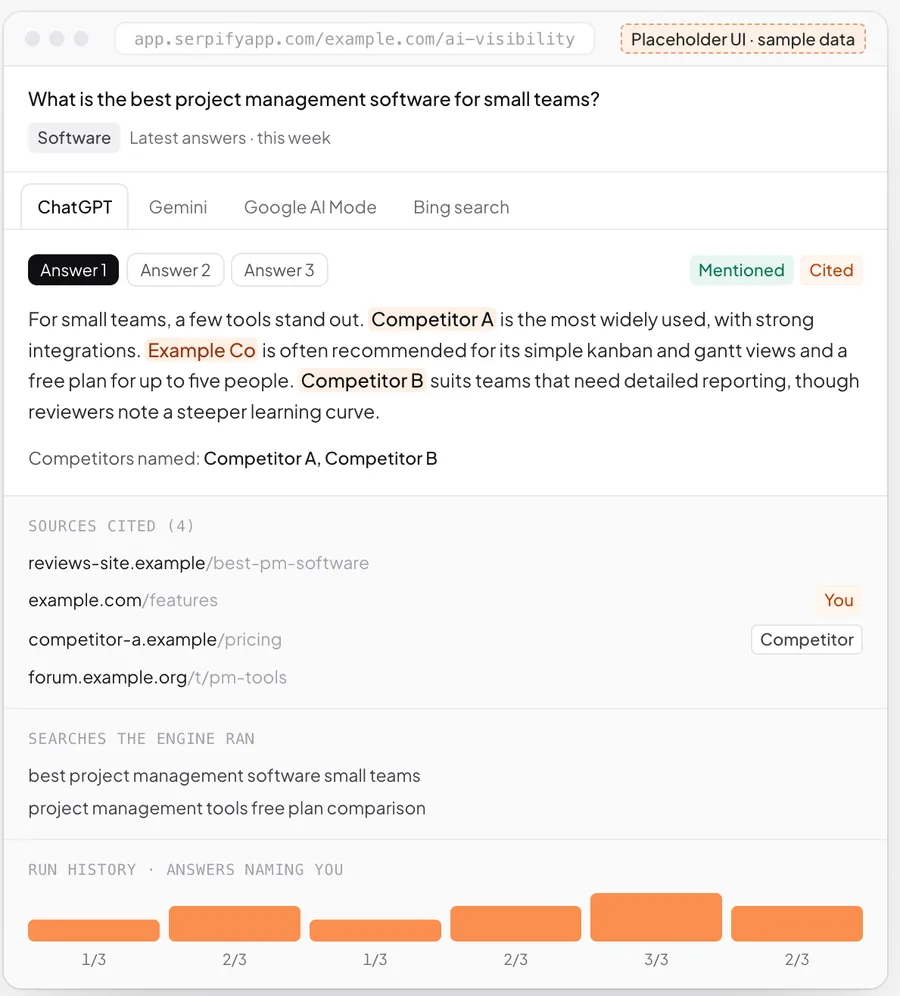
Serpify · AI visibility and rank tracking
Branded reports and read-only client links: clients see their data in their own view, without an account manager assembling it.
About Serpify -

Prosvano · LinkedIn automation
Approval-first workflows: nothing goes out until a person signs it off, with a record of who did.
About Prosvano
How it runs
Working software early. Then the next step.
Phases, not promises: every engagement starts with a scoping sprint, and each step is decided on evidence.
-
01
Weeks 1–2
Map the client journey
Trace onboarding, delivery and billing from the client’s side and decide what the first release shows.
-
02
Weeks 3–8
Portal live for new clients
Login, onboarding and documents first, rolled out to new clients before existing ones move over.
-
03
Ongoing
Progress, approvals, billing
Status, approvals and invoices added module by module, each connected to the system it comes from.
Works with the tools you keep
- Google Drive
- SharePoint
- DocuSign
- Xero
- QuickBooks
- Stripe
- Razorpay
- Slack
- Gmail
- Outlook
- Your CRM
- Any REST API
Build, buy or configure
An honest comparison.
Sometimes software you can buy is the right answer, and we will say so. This is how we weigh it.
| What matters | Off-the-shelf SaaS | Low-code builder | Scribbify build |
|---|---|---|---|
| Fits how your team actually works | Partly: You adapt to its fields | Partly: Until the rules get complex | Yes: Designed around your workflow |
| You own the code and the data | No: Rented | Partly: Locked to the platform | Yes: Yours, documented |
| Joins every tool you already use | Partly: Where integrations exist | Partly: Simple connections | Yes: Any API or export |
| Cost stays flat as you hire | No: Priced per seat | No: Priced per seat | Yes: No per-seat licence |
| AI agents with approvals built in | Partly: Generic assistants | Partly: Add-ons | Yes: Built for your rules |
| Someone accountable for the outcome | No: A support ticket | No: Your own team | Yes: Measured with you |
Questions
Before you write.
Why not use an off-the-shelf portal tool?
How do clients log in?
Can clients upload large files?
Will it show live project status?
Can clients pay invoices in the portal?
How is client data kept separate and secure?
How long does a client portal take to build?
Can the portal run on our own domain and branding?
Start a project
Talk to us about client portals.
Tell us where the work or the revenue gets stuck. A partner replies within one business day.
More services
Start a project
Start with one workflow.
A few lines are enough. A partner reads every enquiry and replies within one business day.
Tell us where the work gets stuck.
Send a few lines on the workflow, the tools it runs on and what it costs you. We will tell you plainly whether building is worth it.
Or write to us at [email protected]