Services · Process automation
Business process automation services that keep the judgement human.
If onboarding, approvals, data entry and handoffs still depend on someone remembering the next step, we automate them across the tools you already use, and plan for the exceptions as carefully as the normal case, so nothing quietly falls through.
Hours returned from repetitive admin, and processes that run the same way whoever is on shift.
Part of Internal tools & dashboards
You’ll recognise this
- The same details are typed into three systems for every new client or job.
- Work stops because an approval is waiting in someone’s inbox.
- You have Zapier automations nobody fully understands, and some have quietly stopped.
- Every new hire learns the process from whoever happens to be free.
01 What it’s costing you
The expensive part is the part nobody invoices.
Manual processes cost twice: the hours spent typing, chasing and checking, and the mistakes that slip through when people are rushed. Neither appears on a report, which is why they survive for years. For example, a new client whose engagement letter, ID check and first invoice are set up by three people in three tools gives a step three chances to be missed.
-
Lever 01
Capacity without hiring
Admin steps removed from every client and job, so the same team handles more work.Moves: Revenue per employee -
Lever 02
Faster cycle times
Approvals and handoffs that move the same day, so clients wait less and invoices go out sooner.Moves: Days from request to done -
Lever 03
Fewer costly errors
Data captured once and checked automatically, so the wrong figure never reaches the client.Moves: Rework and credits issued
02 Built for
Who brings us this work.
The people who usually start these engagements, what they are measured on, and the question they arrive with.
-
Founders of B2B service firms
You founded a B2B service business, and sales and delivery have outgrown your inbox, your memory and your best salesperson’s phone.
You watch: Pipeline, win rate and revenue per person
- Enquiries arrive faster than anyone can answer them, and the good ones go cold over a weekend.
- The CRM is half filled in, so your forecast is a guess and follow-up depends on memory.
- Every new client seems to need another hire, because a person sits in the middle of every step.
What changes: Every lead answered and followed up, a pipeline you can believe, and growth that doesn’t need a new hire for every few clients.
“We are not a tech company. Custom software sounds big and risky.”
We start with a short, fixed scoping sprint and one small build. You see it working within weeks and decide every next step on what it did.
03 Before and after
The same week, run two ways.
Today
- Details retyped into every system
- Approvals waiting in inboxes
- Automations that fail silently
- Process lives in people’s heads
With the system in place
- Data entered once, checked, passed on
- Approvals routed and escalated
- Every run logged, failures flagged
- The process documented and enforced
04 In your business
What this looks like on an ordinary week.
Three situations owners tell us about, and what changes once this is in place.
-
Scenario 01
Onboarding a new client
Say every new client needs a welcome email, a contract, a folder, a project set up and an intro call booked. Someone does all of it by hand, and steps get missed when they are busy.
With it in place: Signing the contract starts everything at once, and the team only steps in where a person is genuinely needed.
-
Scenario 02
Typing the same thing twice
Say a won deal in your CRM has to be retyped into your project tool and again into your accounting app. It takes time, and the three copies drift apart.
With it in place: The details move between your tools on their own, entered once and correct everywhere.
-
Scenario 03
Approvals stuck in inboxes
Say expenses, discounts and time off are approved by email. Requests get buried, people chase, and nothing is on record.
With it in place: Each request goes to the right person with the details attached, reminders go out on their own and every decision is logged.
05 What we build
Process automation, designed around your work.
Onboarding, approvals, data entry and handoffs automated across your tools, with every exception routed to a person instead of failing silently.
Process mapping
The real process written down, step by step, with who does what, which steps can be automated and which need a person.Data entry removed
Information captured once and passed to every system that needs it, checked and formatted on the way.Approval flows
Requests routed to the right approver with the context attached, escalated when they wait too long.Document handling
Contracts, forms and reports generated from templates, filed in the right place and sent for signature.Exception handling
When a step fails or data looks wrong, a person is told with enough context to fix it in minutes.Monitoring
A log of every run and a view of what is stuck, so automation never fails silently.
- Forms & email
- CRM records
- Documents
- Spreadsheets
Automated workflow
Built for one business, owned by it
- Updated systems
- Routed approvals
- Generated documents
- Exception alerts
06 Working thesis
Automate the exceptions first.
Most automation projects automate the easy path and leave the exceptions to whoever notices. The result is a process that works most of the time and fails invisibly the rest, which is worse than the manual process it replaced.
We map where the process breaks before we automate where it flows. Every automation we build has an owner, a log and a clear path for the cases it can’t handle.
07 How it runs
Working software early. Then the next step.
Phases, not promises: every engagement starts with a scoping sprint, and each step is decided on evidence.
-
01
Weeks 1–2
Map the real process
Watch the work, document every step and exception, and pick the process that costs the most to run by hand.
-
02
Weeks 3–6
First process automated
The workflow built with logging and exception paths, run alongside the manual process until it proves itself.
-
03
Ongoing
The next process
Further processes automated on the same foundation, each measured in hours saved and errors avoided.
Works with the tools you keep
- Google Workspace
- Microsoft 365
- Slack
- DocuSign
- Xero
- QuickBooks
- HubSpot
- Zoho
- n8n
- Make
- Zapier
- Any REST API
08 Built in-house
We build this for ourselves first.
Scribbify runs software products of its own. Each one is the same kind of work, tested on our own business before yours.
-

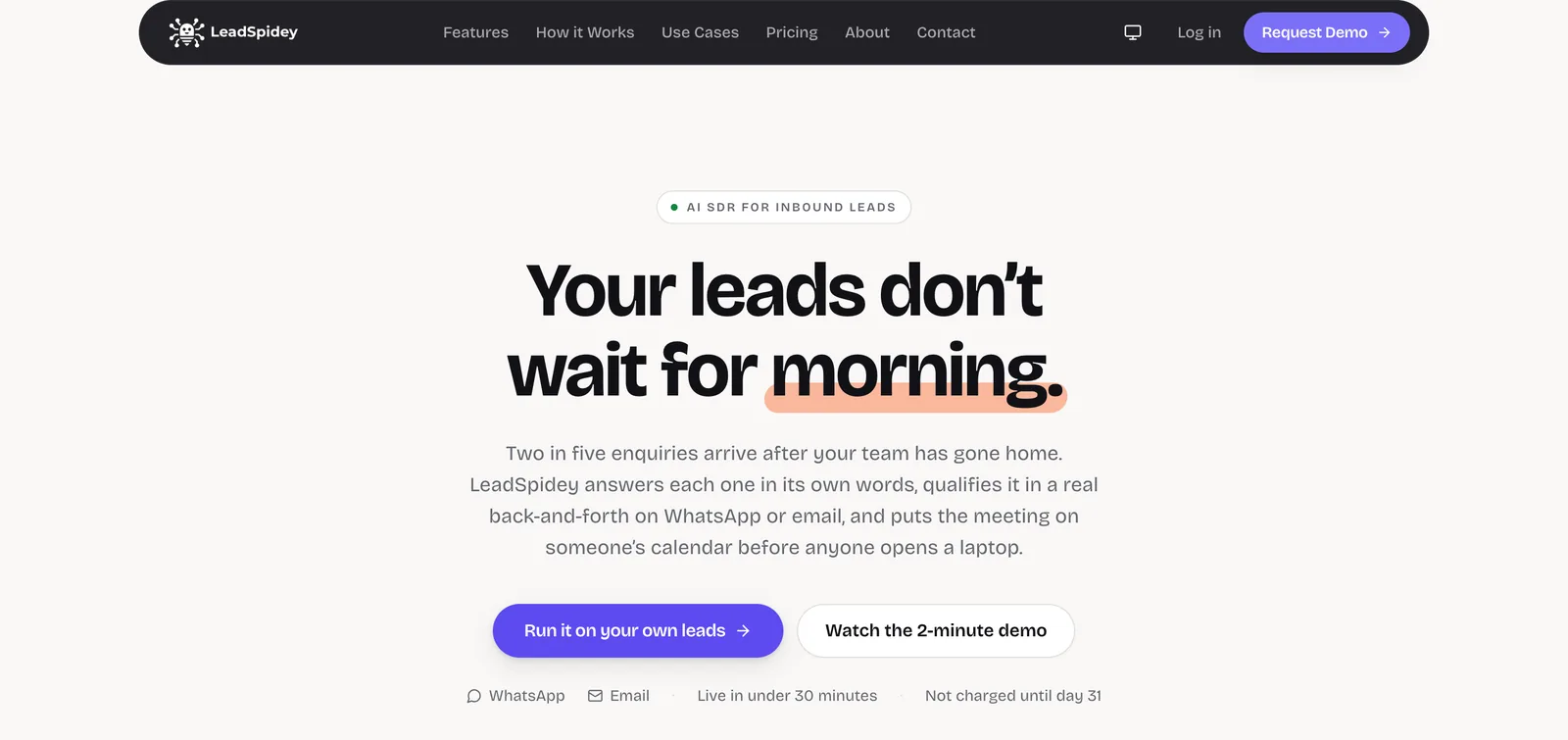
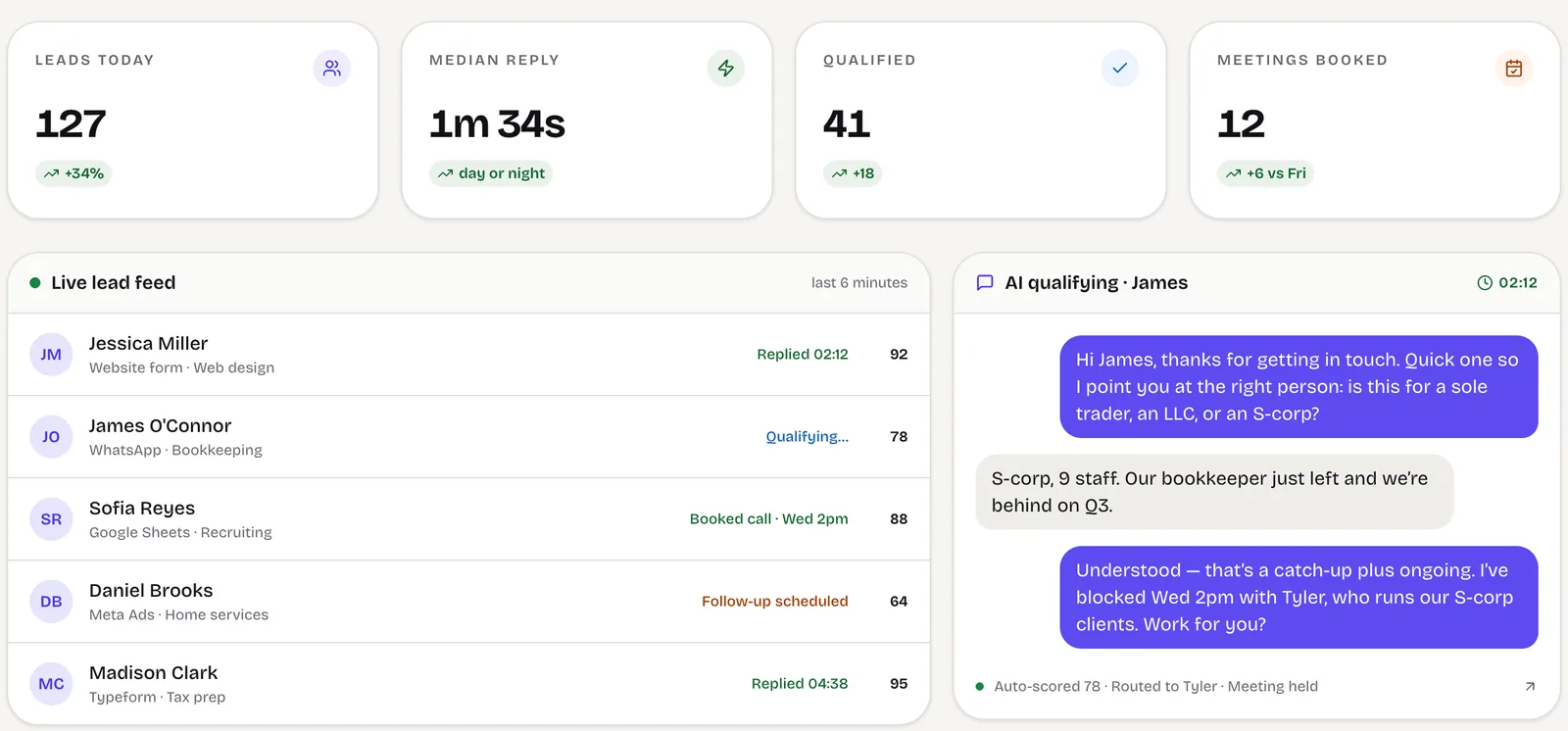
LeadSpidey · AI SDR for inbound leads
Multi-step workflows that branch on what each lead does, reset on reply and stop on bounces, running unattended around the clock.
About LeadSpidey -

Prosvano · LinkedIn automation
Automation with approvals built in: drafts wait for a person, limits are respected and one click pauses everything.
About Prosvano
09 Build, buy or configure
An honest comparison.
Sometimes software you can buy is the right answer, and we will say so. This is how we weigh it.
| What matters | Off-the-shelf SaaS | Low-code builder | Scribbify build |
|---|---|---|---|
| Fits how your team actually works | Partly: You adapt to its fields | Partly: Until the rules get complex | Yes: Built around how you work |
| You own the code and the data | No: Rented | Partly: Locked to the platform | Yes: Yours, documented |
| Joins every tool you already use | Partly: Where integrations exist | Partly: Simple connections | Yes: Any API or export |
| Cost stays flat as you hire | No: Priced per seat | No: Priced per seat | Yes: No per-seat licence |
| AI agents with approvals built in | Partly: Generic assistants | Partly: Add-ons | Yes: Built for your rules |
| Someone accountable for the outcome | No: A support ticket | No: Your own team | Yes: Measured with you |
10 Questions
Before you write.
More services
Which processes should we automate first?
Do you use Zapier, Make or n8n, or write code?
What happens when an automation fails?
Can you fix automations someone else built?
Where does AI fit in?
Will our team still be in control?
How soon will we see time saved?
Start a project
Talk to us about process automation.
Tell us where the work or the revenue gets stuck: the job, the tools it runs on and what it costs you. We will tell you plainly whether building is worth it.
- A partner reads every enquiry
- A 45-minute working call
- A written scope you can decide on
Or write to us at [email protected]
All services