United States
CRM integration and custom software for US service businesses.
You bought the SaaS. Now make it work together. We build CRM integrations, internal tools, operations dashboards and AI agents for US service businesses: agencies, consultancies, professional services and founder-led B2B firms whose work is spread across a dozen subscriptions and the spreadsheets that hold them together.
One source of truth across your tools, and hours of manual updating returned to billable work.
You’ll recognise this
- Your CRM, project tool, billing and support desk each hold part of the customer.
- Someone spends Monday morning exporting CSVs to build the weekly report.
- You pay for seats in tools nobody fully uses, and still need a spreadsheet.
- A Zap or a script holds a key process together and only one person understands it.
Built and run in-house
-

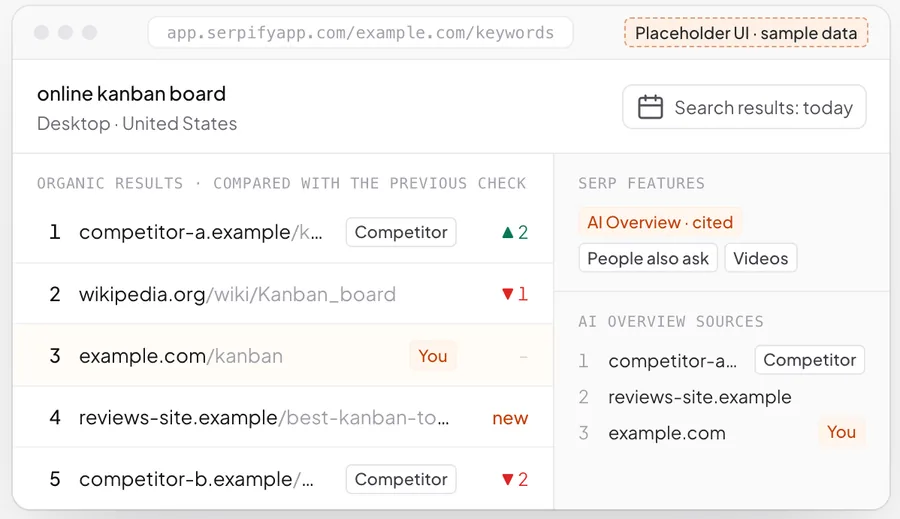
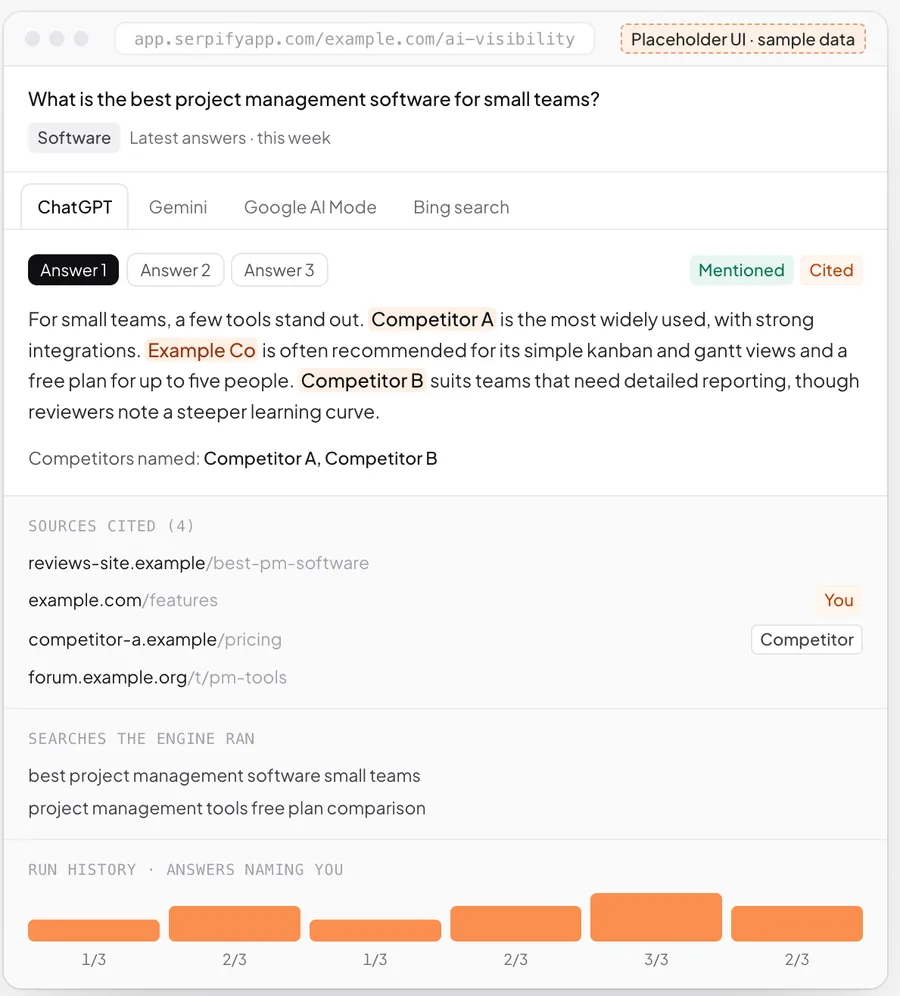
Serpify · AI visibility and rank tracking
Daily data pipelines, dashboards and client reports, with every figure linked back to its source.
The business problem
More software than ever, and less of a single picture.
Most US service businesses we talk to are not short of tools. They have a CRM, a project manager, an invoicing system, a support desk, a marketing platform and a data warehouse they meant to set up. Each is good at its job. None of them agrees with the others.
The gap gets filled by people: copying deal details into the project tool, reconciling invoices against the CRM, rebuilding the same report every week. It is invisible on the P&L because it is spread across salaries, but it slows delivery and makes every decision a few days late.
The fix is rarely another subscription. It is integration work, a small internal tool where the off-the-shelf one doesn’t fit, and a dashboard that reads from the systems themselves.
-
Lever 01
Billable time back
Manual updates and copy-paste work automated, so delivery staff spend their hours on client work.
Moves: Utilization
-
Lever 02
Faster cash
Won deals flow into projects and invoices without re-keying, so billing starts on time.
Moves: Days sales outstanding
-
Lever 03
Decisions on live numbers
Dashboards that read from your systems, not from last Friday’s export.
Moves: Pipeline and margin visibility
How US service firms run
What we design for in the US.
Patterns we see across American service businesses. Your own stack decides the build.
-
01
A best-of-breed stack
HubSpot or Salesforce, a project tool, QuickBooks or Xero, a help desk and Slack: integration is the first job, not a rebuild.
-
02
Spreadsheets as glue
Critical workflows often live in Google Sheets or Excel. We turn the ones that matter into proper internal tools with permissions and history.
-
03
Time zones across the country
Teams and clients spread from coast to coast, so automations, reports and notifications run on clear schedules rather than someone’s inbox.
-
04
Buy-versus-build scrutiny
Every custom component has to beat a subscription on cost and fit. We say so when a product will do, and build only where it won’t.
What we build
Integrations and internal tools that join your stack.
-
CRM integrations
Two-way sync between your CRM and project, billing and support tools, with field mapping, deduplication and error alerts.
-
Internal tools
Admin panels, approval flows and operations screens that replace the spreadsheets your team works around.
-
Operations dashboards
Pipeline, utilization, delivery and revenue in one place, every figure traceable to the system it came from.
-
Process automation
Onboarding, handoffs and recurring admin automated across tools, with exceptions routed to a person.
-
AI agents
Agents for lead qualification, research and drafting that work inside your tools, with approvals where they matter.
-
Replacing fragile automations
Critical Zaps and scripts rebuilt as maintained, logged integrations that don’t depend on one person.
How it works
From a tangle of tools to one working system.
-
01
Audit the stack
Every tool, every spreadsheet and every manual step, and what each costs the team in time.
-
02
Pick the costliest gap
Start with the one workflow where integration or a small tool pays back fastest.
-
03
Build and connect
Integrations and tools built against your real accounts, tested on real data before launch.
-
04
Measure and extend
Track the hours and errors removed, then move to the next workflow on the list.
Build, buy or connect
Integrate, replace or build.
Most US firms don’t need a new system; they need the ones they have to agree.
-
Integrate what you have
Best when: each tool is good at its job but they don’t share data
Two-way syncs between your CRM, billing, delivery and support tools, monitored and owned by you.
-
Replace a tool
Best when: one system is the bottleneck for everything else
Move to a product that fits better, with data migrated and connections rebuilt.
-
Build custom
Best when: the workflow is how you compete and no tool fits
An internal tool or custom CRM for the part of the business no subscription covers.
Who it is for
For US firms with more tools than answers.
A good fit when
- You run on five or more SaaS tools that don’t share data properly.
- Weekly reporting or reconciliation takes someone hours of manual work.
- A spreadsheet or a fragile automation holds a revenue-critical process together.
- You want to own the integrations and tools rather than rent more seats.
Probably not when
- You need an engineer on site or a team in a US time zone all day.
- You are looking for a large enterprise system integrator.
- A setting in one of your existing tools would solve the problem.
-
Agencies & consultancies
Founders and operations leads at agencies and consultancies running many clients at once.
Measured on: Margin per client, utilisation and retention
What changes: More billable hours per head and clients who can see the work without asking for it.
-
Founder-led B2B service firms
Founders of B2B service businesses whose sales and delivery have outgrown the founder’s inbox.
Measured on: Pipeline, win rate and revenue per employee
What changes: A pipeline that answers, qualifies and follows up on its own, and a business that can grow without adding headcount at the same rate.
-
Ops, sales & growth leaders
Heads of operations, sales or marketing inside mid-size companies, with a mandate and no spare engineering team.
Measured on: Cost to serve, cycle time and cost per acquisition
What changes: The system your team needs, delivered alongside IT rather than queued behind it, with security and ownership handled properly.
Project process
Discovery, build, launch, then better.
Phases, not promises. Each step is decided on what the previous one showed.
-
01
Weeks 1–2
Stack and workflow audit
Map the tools, data and manual steps, and rank the gaps by what they cost.
-
02
Weeks 3–8
First integration or tool
The highest-value gap closed and running on live data.
-
03
Weeks 8–12
Dashboard on top
Reporting rebuilt on the connected systems, replacing the weekly exports.
-
04
Ongoing
One workflow at a time
Further integrations and tools added in order of payback, with monitoring on everything.
Works with
- HubSpot
- Salesforce
- Pipedrive
- QuickBooks
- Xero
- Stripe
- Asana
- ClickUp
- Slack
- Google Workspace
- Microsoft 365
- Airtable
Cost and engagement
What decides the cost.
Every engagement starts with a short, fixed scoping sprint that ends in a written scope, so you know what the first build takes before you commit to it.
- The number of systems to connect and the quality of their APIs.
- Whether data syncs one way or both ways, and how conflicts are resolved.
- How much of an existing spreadsheet process has to be rebuilt as a tool.
- Reporting depth: one dashboard, or role-based views for several teams.
- Monitoring, alerting and support once the integrations are live.
-
01
Scoping sprint
A short, fixed piece of work to map one workflow and decide what is worth building.
-
02
Build
The first workflow designed, built and released, then extended in small, scoped steps.
-
03
Run & improve
An ongoing engagement to keep the system running, measured and getting better.
Questions
Questions from US businesses.
Do you work with US companies remotely?
Can you integrate with HubSpot or Salesforce?
Will we own the code and the integrations?
Why not just use Zapier or Make?
How do you handle our customer data?
What does a CRM integration service include?
What happens when an API changes or a sync fails?
Start a project
Talk to us about your stack.
List the tools you run on and the manual work that sits between them. A partner replies within one business day.
Stop being the integration between your own tools.
A short scoping sprint, a written scope, and a plain answer on whether building is worth it.
Or write to us at [email protected]